
Marquette County VINELink Coverage
Michigan runs its statewide notification network as Michigan MI-VINE, a free and confidential service. You can reach it through VINELink or by calling 1-800-770-7657. The state describes a participating-county model. That is where Marquette County gets murky. The Sheriff's Office and Jail Services pages stay quiet on this point. They say nothing about Marquette County Jail bookings feeding MI-VINE. No local VINE record code is listed. No county SAVIN variation is described either.
So the gap matters. A VINELink search is worth trying, yet it is not the county's official jail roster. The sheriff's site publishes no searchable roster or booking feed at all. A person can be lodged before any record reaches an outside system. Identifying details may differ from what you typed. Another agency may hold the person outside your selected search. When the screen comes back empty or muddled, call Marquette County Jail at (906) 225-8435. Before arraignment, the jail will say only whether the person is lodged. It will also give the bond amount.
An empty VINELink screen proves very little by itself.
Check a Marquette County Arrest
Begin at the national portal and pick Michigan. Enter the person's legal name plus an identifying number when you have one. Common names can return several matches, especially with initials, suffixes, or alternate spellings in play. Weigh only the non-sensitive facts the service displays. Never assume the first match is the right person.
- Open VINELink and choose Michigan as the location.
- Select the person or offender search offered for Michigan.
- Enter the full legal name. Add an identifying number if the form accepts one and the number is known.
- Review all possible matches. Compare the facility, status, and identifier before opening a record.
- Read the time and scope of the displayed status. Then use the registration option if alerts are available.
- If no reliable match appears, call the Marquette County Jail and ask whether the person is currently lodged.
The national VINELink entry page shows where a user begins the state-based search.
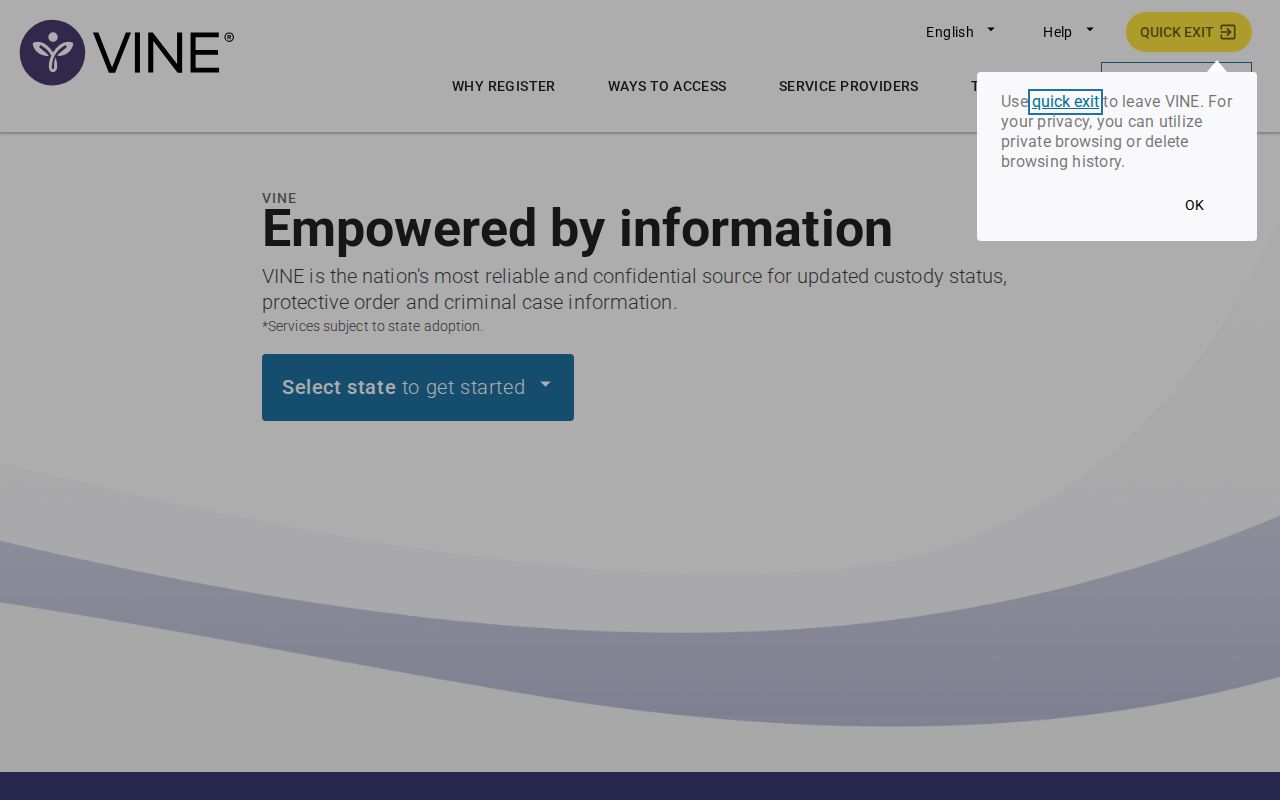
The screenshot simply shows how the VINELink lookup screen is laid out for Marquette County.
What Marquette VINELink May Show
What shows up depends on the participating agency and the data it transmits. Michigan's own materials say a result may pair custody details with case or court-related information. Every field carries a narrow meaning. A status marks where the record stands inside the notification system. A court disposition is the case's final legal result.
| Possible field | What it means |
|---|---|
| Name or identifier | Details used to distinguish the selected record from similar matches. |
| Custody status | The current state reported to VINE by a participating agency. |
| Facility | The jail, prison, or other participating location tied to that status. |
| Custody event | A reported release, transfer, or escape event that may support an alert. |
| Case or court detail | Information supplied for some records; it does not replace the official court file. |
| Notification option | The available path to register a phone number, email address, or text contact. |
A transfer moves someone out of the Marquette County Jail without closing the case. A release ends the reported custody period. It says nothing about why. An arraignment is the first hearing where charges get addressed. A disposition is the case outcome. Neither a VINE status nor a booking entry supplies that outcome.
Register for Marquette Custody Alerts
Registration starts once a matching Michigan record is selected. Michigan offers phone, email, and text options, though the displayed choices vary by record. Telephone sign-up uses a four-digit personal identification number. That number is called a PIN. Pick one you can recall but others cannot guess. VINE relies on it to verify the registrant when information arrives.
- Open the correct Michigan custody record and choose the notification or registration control.
- Select the event types offered, such as release, transfer, or escape.
- Enter the requested phone number, email address, or text destination.
- Create the four-digit PIN when using telephone registration.
- Complete any confirmation step shown by the service.
- Keep the contact details current and save the PIN in a secure place.
The official Michigan MI-VINE page explains the state's free notification service and access choices.
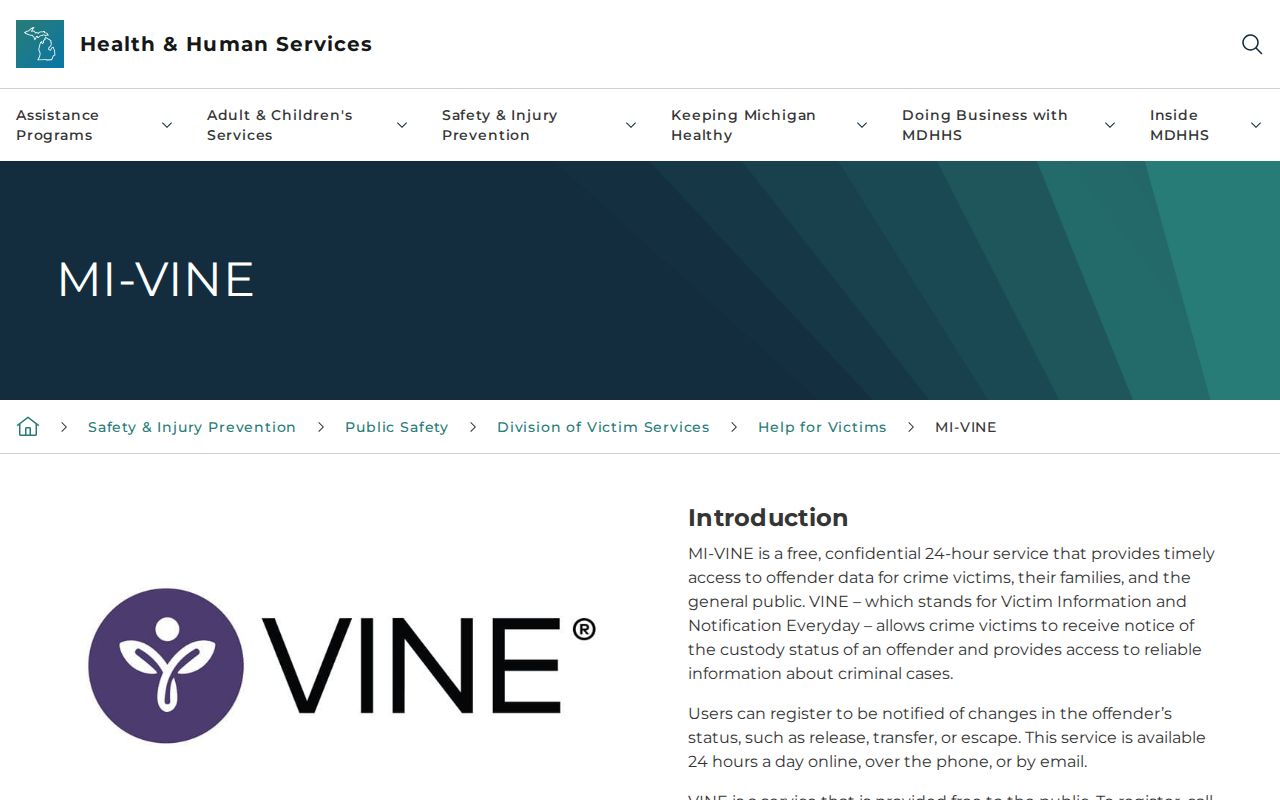
This state page offers the best official overview. It works when a county page stays silent about its VINE participation. Alerts cut down on repeated manual searching, but they cannot be a whole safety plan. A message travels only after an agency reports and transmits the event. A disconnected phone or full inbox can break delivery. So can a spam filter, a changed email, or a forgotten PIN. State-prison victim services may run on a separate MDOC line. Follow the instructions tied to the actual record. Michigan lists 1-866-847-1298 for TTY access.
No Marquette VINELink Result
Marquette County shows why statewide availability and local participation are two different claims. MI-VINE runs statewide. No Marquette County page confirms a direct jail feed. If a full-name and identifier search returns nothing, check the spelling and Michigan selection once. Then stop treating the portal as conclusive. Go to the county source.
Call the Sheriff's Office at (906) 225-8435. Have the person's full name ready. Add an approximate arrest date and the arresting agency if known. The Jail Services page limits pre-arraignment disclosure to lodging status and the bond amount. Want a booking photograph or fuller booking record? That belongs in a Michigan Freedom of Information Act request, not repeated custody calls. Written FOIA requests go to FOIA@mqtco.org. They also go through the county's FOIA coordinator at 234 W. Baraga Avenue, Marquette, MI 49855.
For a very fresh event, the county has no public same-day feed. The Arrests Last 24 Hours guide explains that verification chain. Its job is confirming a recent booking. VINELink's job is tracking one custody record and sending alerts after a match exists.
Custody Systems Beyond Marquette VINE
A single search never spans every kind of confinement. County jail custody, state prison, federal imprisonment, federal pretrial detention, and immigration detention are separate worlds. Each runs on its own system. Michigan prison sentences show up in the Michigan Department of Corrections Offender Tracking Information System. That system is a separate animal from a county booking roster. Federal Bureau of Prisons inmates belong in the BOP locator instead. For federal detention questions that fall outside BOP, one agency handles them. The United States Marshals Service is the one to contact. Immigration detention works through the ICE locator and nothing else.
The Marquette County Jail can hold a small number of federal inmates. The distinction matters here more than most places. Standing outside the building tells you nothing about which locator controls the record. Find out which authority holds the person. Ask whether a transfer has taken place. Then go to the matching official system. VINE supplements BOP, ICE, USMS, MDOC, the jail, and the court clerk. It replaces none of them.
Let the holding authority, not the facility name, pick the right custody source.
Alerts Are Not Case Outcomes
An arrest sets a process in motion. Each step has its own meaning. Booking captures the person's identity, the charge as filed, and the custody details. Bond is simply the condition set for release while the case moves forward. A transfer means the person moved between facilities or authorities. A VINELink alert, in the same spirit, gives notice only. It signals a reported custody or court event.
Hold onto the event notice if it helps you stay informed. For anything urgent, do not rely on the alert text. Confirm with the agency that originated the event. To go deeper, the Marquette County recent arrests guide covers the county record, court, jail, and FOIA paths. It does so without hosting a photo gallery.
Public Record Search
Sponsored Results